
Reviewed against Pakakumi's current terms and responsible gambling policy. Last updated Aug 21,. Reviewed by Jack Owens, Managing Editor.
Winning on Aviator is only half the experience — getting those winnings into your M-Pesa wallet quickly is the other half. Pakakumi processes M-Pesa withdrawals for Aviator winnings directly to your registered Safaricom number, usually within minutes after approval during business hours. This guide explains the exact steps, what to expect, and how to avoid the most common delay triggers.
How M-Pesa Withdrawal Works on Pakakumi
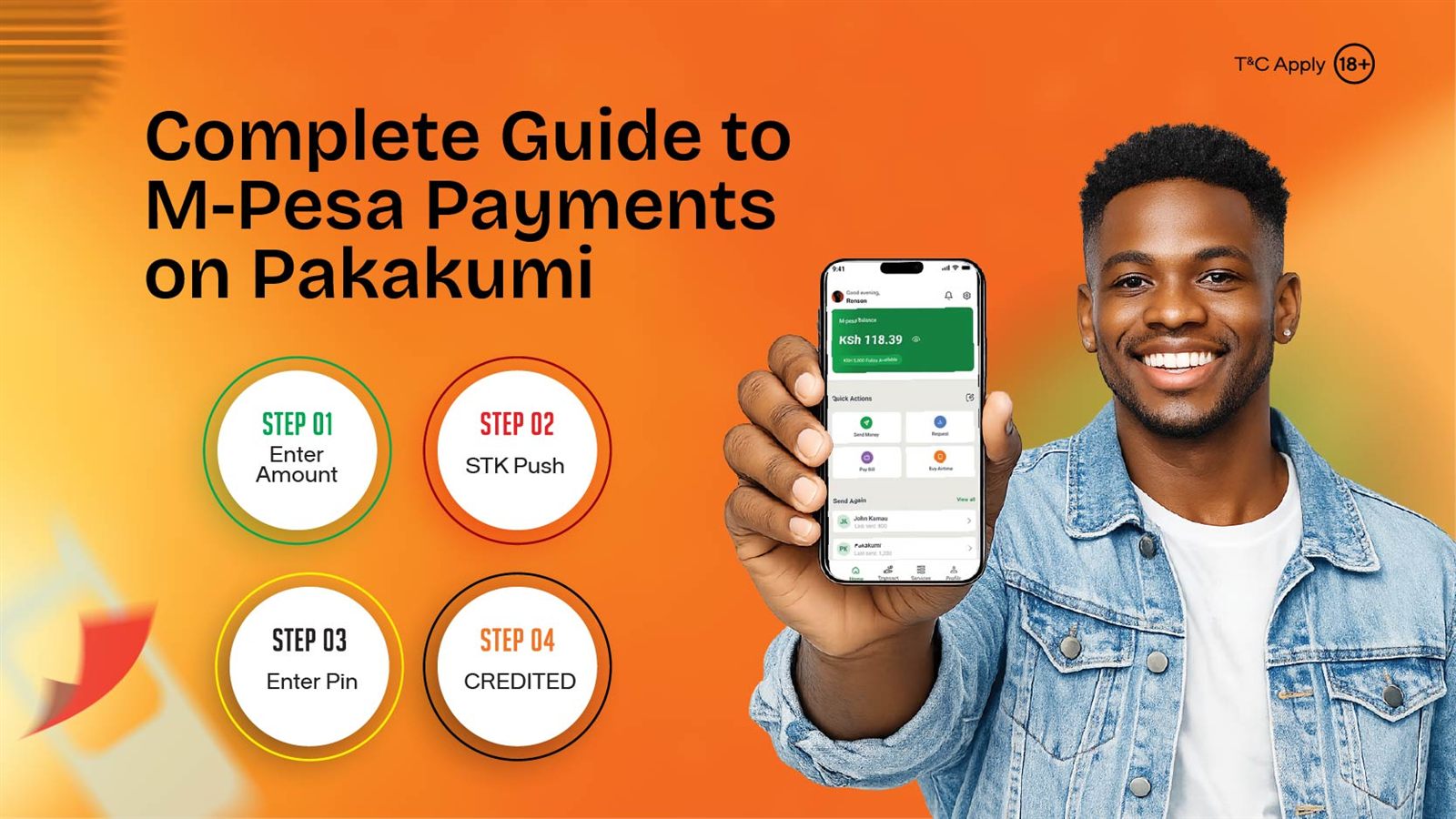
Pakakumi's withdrawal flow is straightforward because your account is tied to one verified Safaricom M-Pesa number — the same number you used to register and deposit. When you request a withdrawal:
- Open your Pakakumi account and go to the withdrawal section.
- Enter the amount you want to withdraw. The minimum and maximum are shown on the screen — these figures can change, so rely on what the app displays rather than third-party sources.
- Confirm the withdrawal. Pakakumi processes the request and sends the funds to your registered M-Pesa number.
- Receive the M-Pesa confirmation SMS. You will get a Safaricom SMS confirming the transaction. The money appears in your M-Pesa balance immediately.
There are no intermediate steps, no bank transfers, and no waiting for a check or e-wallet transfer. The money goes from Pakakumi to your Safaricom number directly.
Typical Withdrawal Timing
Most withdrawals are approved and processed within minutes during standard business hours. During peak periods — early morning (8–10 AM), midday (1–3 PM), and evening (6–8 PM) — Safaricom network traffic can add a few extra minutes. Late-night or weekend withdrawals may take slightly longer simply because fewer support staff are online to approve requests, but the funds still usually arrive the same day.
If a withdrawal takes longer than 30 minutes during business hours, contact Pakakumi support at 0743 999 333 before assuming it is stuck. Our Paybill and payment details guide covers the full payment flow in more depth.
Common Reasons for Withdrawal Delays
Most delays are avoidable. The most common triggers:
- Unverified account. If your account is still pending verification, withdrawals may be held until verification is complete. Register with your real Safaricom number and make sure the number you used at sign-up is still active and registered to you.
- Mismatched M-Pesa number. The number on your Pakakumi account must match the number receiving the withdrawal. If you recently changed your Safaricom number, update it in your account before requesting a withdrawal.
- Network congestion. Safaricom processes thousands of M-Pesa transactions per minute during peak hours. A 5–10 minute delay during these windows is normal and not a sign of a problem.
- Large withdrawal amounts. Very large withdrawals may require additional approval checks for security purposes. If you are withdrawing a significant sum, expect a brief hold while the security team reviews the request.
- Bank holidays or weekends. While M-Pesa operates 24/7, Pakakumi's approval team may have reduced staffing on public holidays, adding a short delay.
Tips for Faster Withdrawals
Small habits make the difference between a 2-minute withdrawal and a 2-hour wait:
- Verify your number early. Make sure the Safaricom number you registered with is active and matches the one in your M-Pesa account. This is the only verification step Pakakumi requires, and completing it before your first withdrawal avoids delays.
- Use the same M-Pesa number for everything. The number you register with, deposit from, and withdraw to should be identical. Changing numbers mid-account is a common delay trigger.
- Avoid peak hours for large withdrawals. If you are withdrawing more than your usual amount, request it during mid-morning or late evening when Safaricom network load is lighter.
- Keep your Safaricom account active. If your Safaricom number has been dormant for months, M-Pesa transactions may be flagged for security review. Regular usage keeps the account in good standing.
- Check your SMS inbox for M-Pesa confirmation. Sometimes the money arrives before the notification does. If you have not received an SMS within 10 minutes but your account balance has decreased, check your M-Pesa statement in the Safaricom app.
What to Do If Your Withdrawal Is Stuck
If a withdrawal has been pending for more than 30 minutes during business hours:
- Check your account status. Make sure there are no pending verification requirements or bonus wagering conditions blocking the withdrawal.
- Confirm your M-Pesa number. Verify the number on your account matches the one in your Safaricom app exactly.
- Contact Pakakumi support. Call 0743 999 333 or use the contact form on pakakumi.com. Have your account number and withdrawal reference ready.
- Do not re-request the withdrawal. Submitting duplicate requests can create confusion and delay the process further. Wait for support to resolve the first request.
Withdrawal Limits and Fees
Pakakumi sets both minimum and maximum withdrawal amounts, shown in the withdrawal section of your account. These limits are there to protect players and comply with regulatory requirements — they are not arbitrary. The minimum ensures the transaction is worth the processing effort; the maximum aligns with anti-money laundering guidelines.
Pakakumi does not charge withdrawal fees. Standard M-Pesa transaction charges may apply depending on the amount and your Safaricom tariff — check Safaricom's published fee schedule for the exact breakdown. Our complete M-Pesa payments guide covers deposits, withdrawals, limits, and troubleshooting in full.
Frequently Asked Questions
How long does an Aviator M-Pesa withdrawal take on Pakakumi?
Pakakumi M-Pesa withdrawals typically process within minutes after approval. Most players receive funds directly to their registered Safaricom number instantly during business hours. Withdrawal times may vary slightly based on Safaricom network traffic and account verification status. Check pakakumi.com for current processing estimates.
Can I withdraw Aviator winnings to M-Pesa instantly?
Withdrawals are processed quickly but not always instant. During peak hours, Safaricom network congestion can add a few minutes. Pakakumi does not charge withdrawal fees, and funds go directly to your registered M-Pesa number via STK Push.
What is the minimum withdrawal amount on Pakakumi?
The minimum withdrawal amount is shown in your account's withdrawal section. It is set by the operator and can change, so the withdrawal screen inside your account is the only reliable source.
Why is my Aviator withdrawal delayed?
Delays are usually caused by incomplete account verification, Safaricom network congestion, or an unmatched M-Pesa number. Ensure your registered M-Pesa number is active and matches the number on your Safaricom account. Contact Pakakumi support at 0743 999 333 if a withdrawal takes longer than expected.
Do I pay fees to withdraw Aviator winnings to M-Pesa?
Pakakumi does not charge withdrawal fees. Standard M-Pesa transaction charges may apply depending on the amount and your Safaricom tariff — check Safaricom's published fee schedule for details.
Related reading