
Reviewed against Pakakumi's current terms and responsible gambling policy. Last updated Jul 30,. Reviewed by Jack Owens, Managing Editor.
Every deposit and withdrawal on Pakakumi runs through M-Pesa. Getting comfortable with that flow is the single most practical thing a new player can do before their first stake. This guide covers how deposits and withdrawals work, what to do when a deposit doesn't show up, and how to keep the M-Pesa number tied to your account secure.
1. Why Pakakumi Runs on M-Pesa
M-Pesa is the dominant mobile money channel in Kenya. Pakakumi ties registration, deposits, and withdrawals to a single verified M-Pesa number per account. That has a practical upside: there's no separate wallet, card, or username to keep track of. Because withdrawals only ever go back to the same number used to register, it's also harder for someone else to redirect your winnings even if they gain access to your login.
2. How Deposits Work (STK Push)
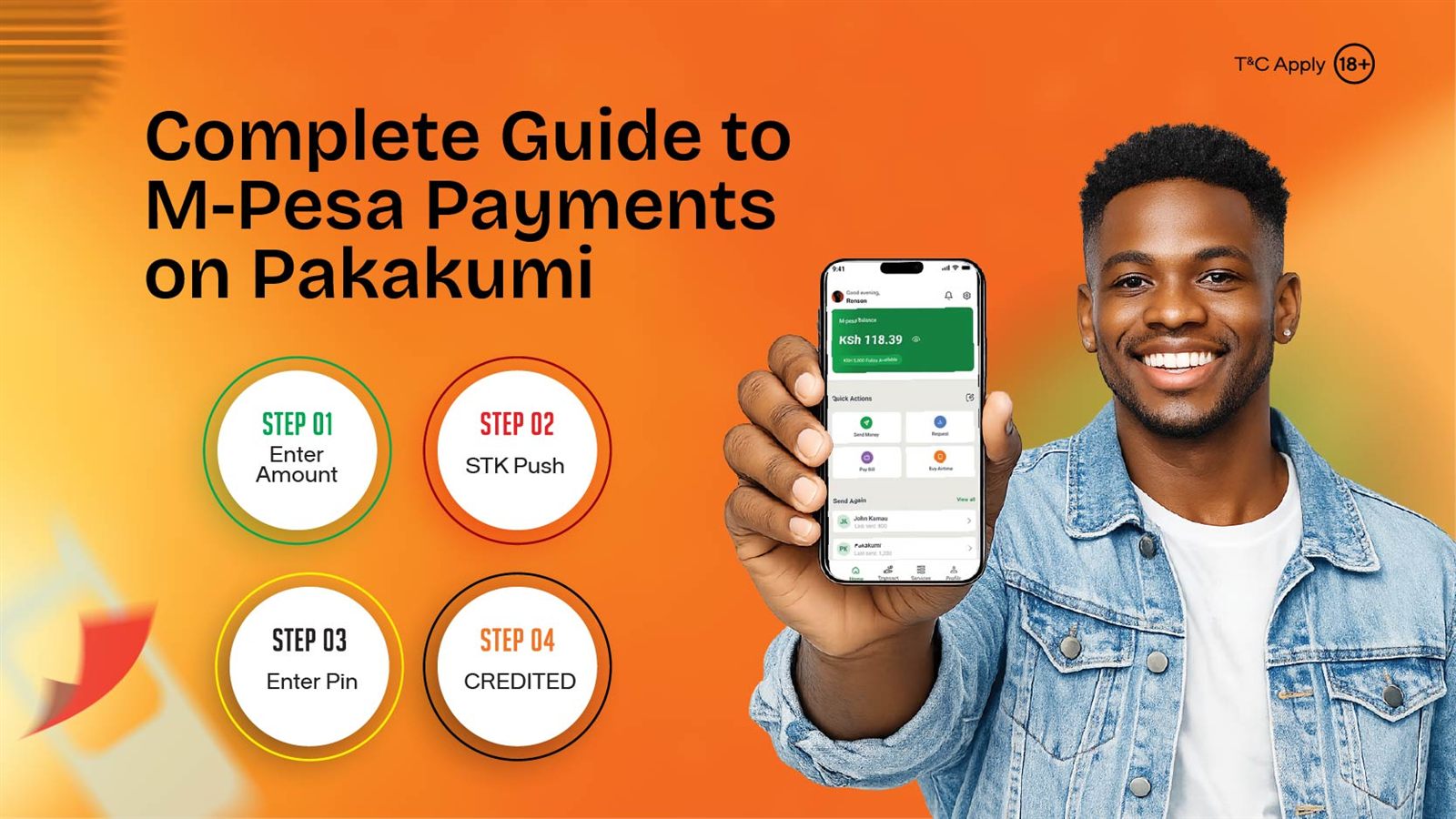
Pakakumi deposits use M-Pesa's STK Push mechanism:
- Enter the amount you want to deposit in your Pakakumi account.
- Confirm the payment prompt (STK Push) that appears directly on your phone.
- Enter your M-Pesa PIN when prompted by Safaricom. Never anywhere else.
- Funds typically reflect in your Pakakumi balance within moments of confirmation.
Pakakumi's official Paybill is 547717. It's worth recognising on your M-Pesa confirmation SMS, so you can quickly verify a deposit reached the right account.
3. How Withdrawals Work (and How Long They Take)
Withdrawal requests are initiated from your Pakakumi account dashboard and paid out to the same M-Pesa number registered on that account; there's no option to withdraw to a different number. This is a deliberate security measure. It removes an entire category of fraud where a compromised account could otherwise be drained to an attacker's own phone number.
Unlike deposits, which confirm almost instantly through the M-Pesa STK Push prompt, withdrawals go through a processing step on Pakakumi's side before the M-Pesa payout is triggered. Processing time can vary with request volume and time of day, so treat any figure you see quoted elsewhere as a rough guide rather than a guarantee — your account dashboard shows the expected timing when you submit a request. A few things that help a withdrawal go smoothly:
- Double-check the amount before confirming; edits after submission aren't possible.
- Make sure the M-Pesa number on your account is still active and registered to you — a deactivated or swapped SIM is a common cause of a "stuck" withdrawal.
- If a withdrawal is taking noticeably longer than what your dashboard indicated, contact support with your withdrawal reference rather than submitting a second request.
4. Deposit and Withdrawal Limits
Pakakumi applies minimum and maximum thresholds to both deposits and withdrawals; these are occasionally revised. A fixed number printed here would go out of date, so check the live minimum and maximum shown on the deposit and withdrawal screens in your account before planning around a specific figure.
5. Deposit Not Reflecting? Troubleshooting
This is one of the most common support questions, and it almost always falls into one of two categories: the M-Pesa side never actually completed, or it completed but Pakakumi's balance hasn't caught up yet. Working out which one you're dealing with is the first step.
If the STK Push prompt never appeared, or you dismissed it: no money has left your M-Pesa account. Go back to the deposit screen on Pakakumi and try again, making sure your phone has signal and the Safaricom app or SIM toolkit isn't blocked by a pending system update.
If you entered your PIN and confirmed, but nothing's showing: work through this checklist in order:
- Check your M-Pesa SMS first, confirming the transaction completed on Safaricom's side before assuming Pakakumi's side has failed. A "request cancelled" or "insufficient balance" SMS means the deposit never went through — simply retry.
- Wait a few minutes. Occasional network delays mean a confirmed M-Pesa transaction can take slightly longer than usual to reflect.
- Don't repeat the deposit. If M-Pesa confirms the deduction but your balance hasn't updated, retrying just risks a second deduction on top of the first.
- Contact support with your M-Pesa transaction code (the alphanumeric code in the confirmation SMS, e.g. starting with a letter followed by digits) — it's the fastest way for them to trace a specific payment instead of searching by amount or time alone.
A confirmed M-Pesa deduction that never reaches your Pakakumi balance is not lost; it's traceable by transaction code, and support can reconcile it once you provide one. The step most players skip is simply reading the M-Pesa SMS before assuming the worst.
6. Keeping Your Account Secure
A few habits materially reduce risk:
- Only ever enter your M-Pesa PIN in the Safaricom prompt itself. Never in a chat, form, or screen claiming to be "verification."
- Pakakumi staff will never ask for your M-Pesa PIN, password, or a one-time code over phone, SMS, or social media. Treat any such request as fraudulent.
- Use links from Pakakumi's official site or app, not links shared by strangers in chat groups or social media comments.
7. Common Payment Mistakes
- Registering with a number you no longer use. Withdrawals only go to the registered number, so losing access to that SIM complicates things later.
- Retrying a deposit that already went through, which leads to double deductions that then need support to untangle.
- Ignoring the M-Pesa confirmation SMS, the fastest way to tell whether an issue sits on Safaricom's side or Pakakumi's.
8. Payments and Responsible Spending
Because M-Pesa deposits are near-instant, it's easy to top up again mid-session without much friction. That's exactly why setting a deposit limit in advance matters more for crash-style games than it might for slower payment methods. See our complete guide to responsible gambling on Pakakumi for how to set that up.
9. Frequently Asked Questions
Why does Pakakumi only use M-Pesa?
See section 1 above: one verified number for registration, funding, and payout is simpler for players and harder for anyone else to hijack.
How long does an M-Pesa deposit take to reflect on Pakakumi?
Usually within moments of confirming the STK Push prompt. If it hasn't landed after a few minutes, section 5 above has the troubleshooting checklist.
My M-Pesa deposit isn't showing in my Pakakumi account. What do I do?
Work through the checklist in section 5 above, starting with your M-Pesa SMS. Have your transaction code ready if you end up contacting support.
How do withdrawals work?
Detailed in section 3 above. In short: withdrawals go only to the M-Pesa number registered on your account, with no option to redirect elsewhere.
Are there deposit or withdrawal limits?
Yes; see section 4 above for why we don't quote a fixed figure here and where to check the current one.
Is it safe to link M-Pesa to a betting account?
Yes, provided you stick to Pakakumi's official app or website and never share your PIN with anyone, including someone claiming to be support. Section 6 above covers the rest of the security habits worth building in.
Most payment issues on Pakakumi trace back to one of two things: not checking the M-Pesa confirmation SMS first, or not having a deposit limit set before a session starts. Both take a minute to fix.
Related reading