
Reviewed against Pakakumi's current terms and responsible gambling policy. Last updated Jul 30,. Reviewed by Jack Owens, Managing Editor.
Pakakumi
Pakakumi's official M-Pesa Paybill number is 547717. Recognising it matters mainly for one reason: your M-Pesa confirmation SMS will show this number when a deposit goes through, giving you a quick way to verify the payment actually reached Pakakumi rather than a clone or lookalike request.
Pakakumi M-Pesa withdrawals typically process within minutes after approval. Most players receive funds directly to their registered Safaricom number instantly during business hours. Withdrawal times may vary slightly based on Safaricom network traffic and account verification status. Check pakakumi.com for current processing estimates.
The official Pakakumi Paybill number is 547717. This number is used exclusively for M-Pesa deposits and withdrawals via STK Push. Always verify Paybill 547717 on your M-Pesa confirmation SMS to confirm funds reached the correct account. Never send money to alternative Paybill numbers or Till Numbers claiming to be Pakakumi.
You Usually Won't Type the Paybill In Yourself
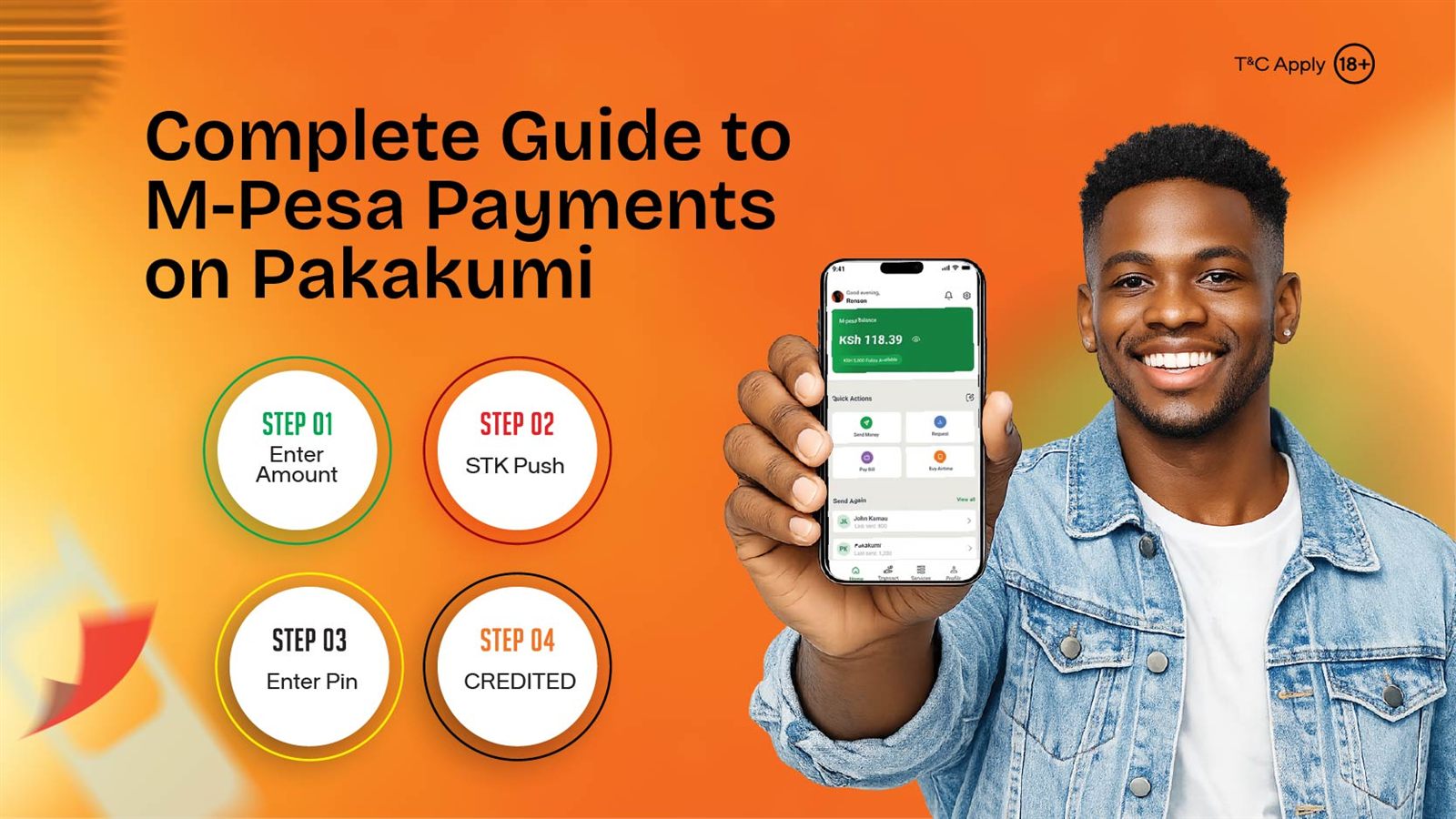
Pakakumi's deposit flow uses M-Pesa STK Push: choose an amount on the deposit screen, and a payment prompt is pushed directly to your phone for you to confirm with your M-Pesa PIN. This automatically routes the payment to Paybill 547717 and links it to your account, so there's no manual Paybill or account-number entry step in the normal flow — and no chance of a typo sending money to the wrong place.
Why the Paybill Number Still Matters
- Confirming a deposit reached Pakakumi: check your M-Pesa confirmation SMS for Paybill 547717 if you want to double-check where a payment went.
- Spotting a scam request: if anyone asks you to pay a different Paybill or till number "to unlock a bonus" or "verify your account," it isn't Pakakumi. Genuine deposits only ever go through 547717 via the STK Push flow inside pakakumi.com.
Payment Method: M-Pesa Only
Pakakumi doesn't accept cards, other mobile wallets, or bank transfers — M-Pesa is the only channel for both deposits and withdrawals. Our complete M-Pesa payments guide covers deposits, withdrawals, limits, and what to do if a deposit doesn't reflect, in full.
If a deposit doesn't show up after confirming the STK Push prompt, don't try to resolve it by manually paying the Paybill separately — see the troubleshooting checklist first.
Related reading
Frequently Asked Questions
What is Pakakumi's Paybill number?
547717. It's worth recognising on your M-Pesa confirmation SMS so you can quickly verify a deposit reached the right account.
Do I need to manually enter the Paybill number to deposit?
No — Pakakumi's deposit flow uses M-Pesa STK Push, so you just confirm a prompt sent to your phone rather than typing in the Paybill and account number manually.
Can I pay Pakakumi's Paybill manually through the M-Pesa menu instead?
The STK Push flow inside pakakumi.com is the intended path since it automatically links the payment to your account. Manual Paybill payments outside that flow risk not being matched to your account correctly.
Does Pakakumi accept any payment method besides M-Pesa?
No — Pakakumi is M-Pesa only, tying registration, deposits, and withdrawals to one verified number per account.
What topics does the Pakakumi News blog cover?
Pakakumi News covers Aviator and Crash game guides, M-Pesa payment tutorials, BCLB licensing explainers, login troubleshooting, responsible gambling tools, and Community Strong CSR updates from across Kenya.
Is reading Pakakumi News free?
Yes — all articles, guides, and CSR coverage on Pakakumi News are completely free. There is no paywall, subscription, or registration required to read. We do not ask for email addresses or any personal details to access content.
Where should I start if I am new to crash games?
Start with our Complete Guide to Crash Games in Kenya for the full walkthrough, then read the Pakakumi Review for licensing and payment context. If you prefer Aviator, the Complete Guide to Playing Aviator in Kenya covers registration and your first bet.
What responsible gambling tools does Pakakumi offer?
Pakakumi includes deposit limits, self-exclusion, and a 24/7 helpline (0743 999 333) directly in the account dashboard. BCLB-licensed under BK 0001230 and PG 0001229. Set limits before your first stake and treat every round as entertainment.